

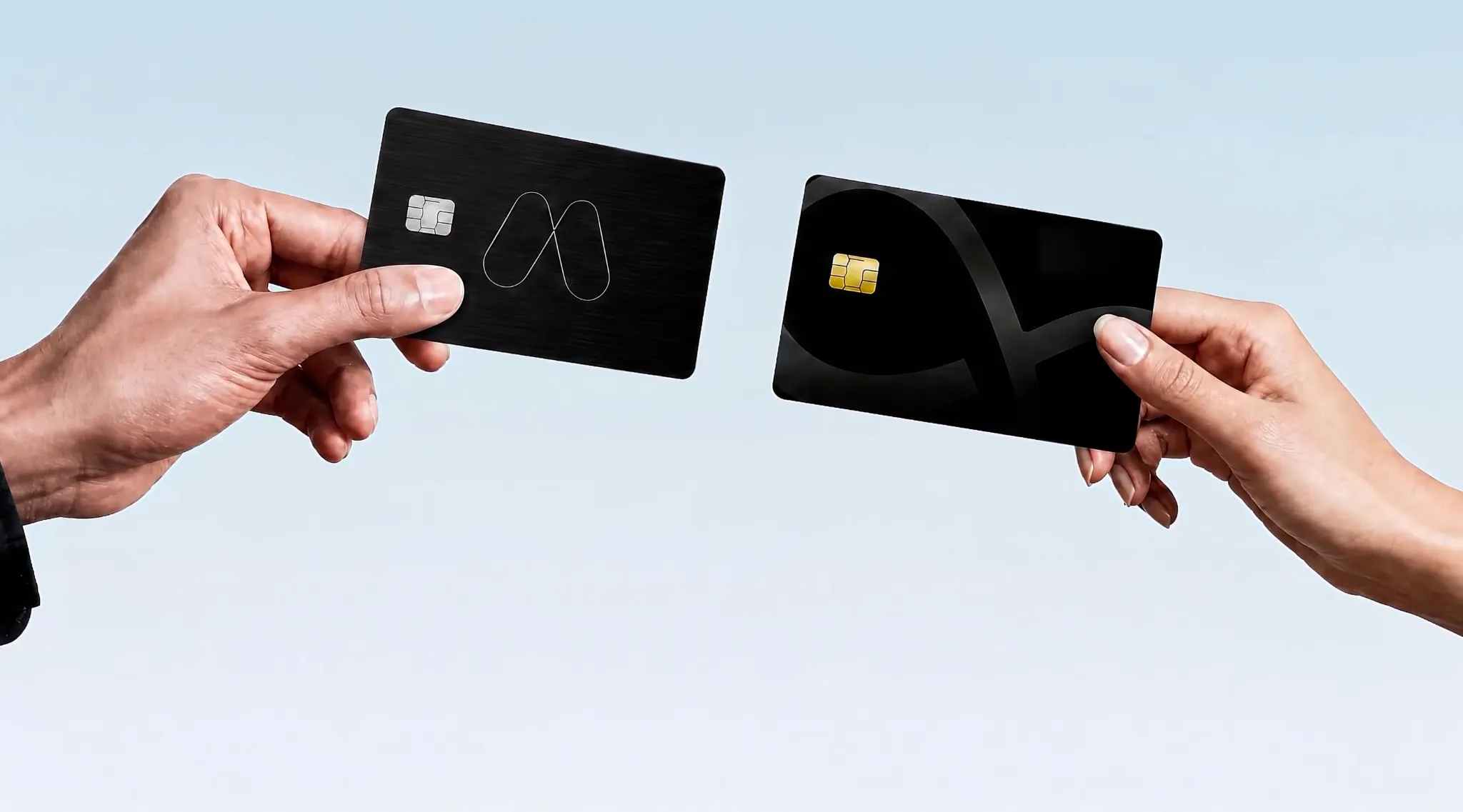
MEXC Card
Spend your crypto worldwide
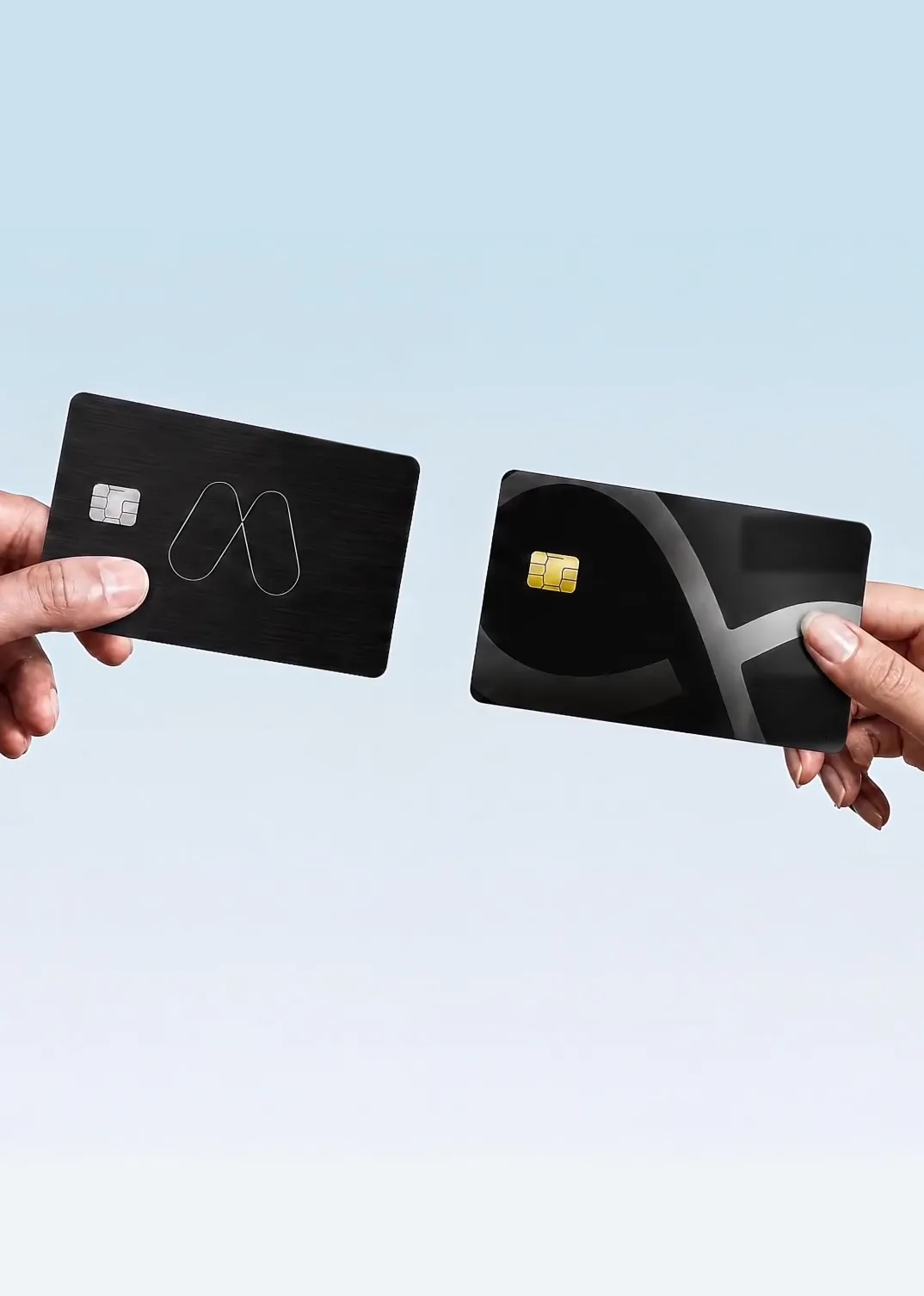
MEXC Card
Spend your crypto worldwide
Supports Apple Pay and Google Pay


Spend and Earn Up to 3% Cashback
Turn spending into investing. The more you spend, the more you earn.
Details
Flexible, Secure, Empowering
Exclusive: Stake to earn 3% APR
Exclusive MEXC Card Earn plan with flexible redemption and instant access, keeping your assets growing at all times
Earn Now
Refer Friends and Earn Commissions
Invite friends to try MEXC Card and earn rewards. Turn your network into your net worth.
Share & Earn
Get Your Card in 3 Steps
1. Apply Online
Apply for your MEXC Card online. Ensure you have completed Advanced KYC.
2. Complete a Deposit
Once approved, make a deposit to activate your card.
3. Application completed
Add to your Apple or Google Wallet. Start spending globally.
Apply Online
Apply for your MEXC Card online. Ensure you have completed Advanced KYC.
Complete a Deposit
Once approved, make a deposit to activate your card.
Application completed
Add to your Apple or Google Wallet. Start spending globally.
FAQ
- Open the app, tap Deposit, go to the ether.fi Cash tab, and navigate to Card Settings → Change PIN.
- In your ether.fi account under the Cash tab, you'll find an Add to Wallet button on your card's details screen in the app. Depending on your country/region, operating system, or device, you may experience a different flow and requirements compared to others.
- All our cards are Visa Signature, ensuring every cardholder enjoys the same premium benefits—including airport lounge access via the Visa Airport Companion app. To unlock your full suite of privileges, including Visa Concierge and purchase protection, simply register your card at the Visa Benefits Portal.
- If your card is lost, damaged, or stolen, go to Card Settings in the ether.fi app and freeze your card immediately. Then contact the ether.fi Customer Service team to request a replacement card.
- Purchases made with a card have a 1% FX rate. Learn more about FX rates on card transactions.
If you have any questions, please submit a .Learn more