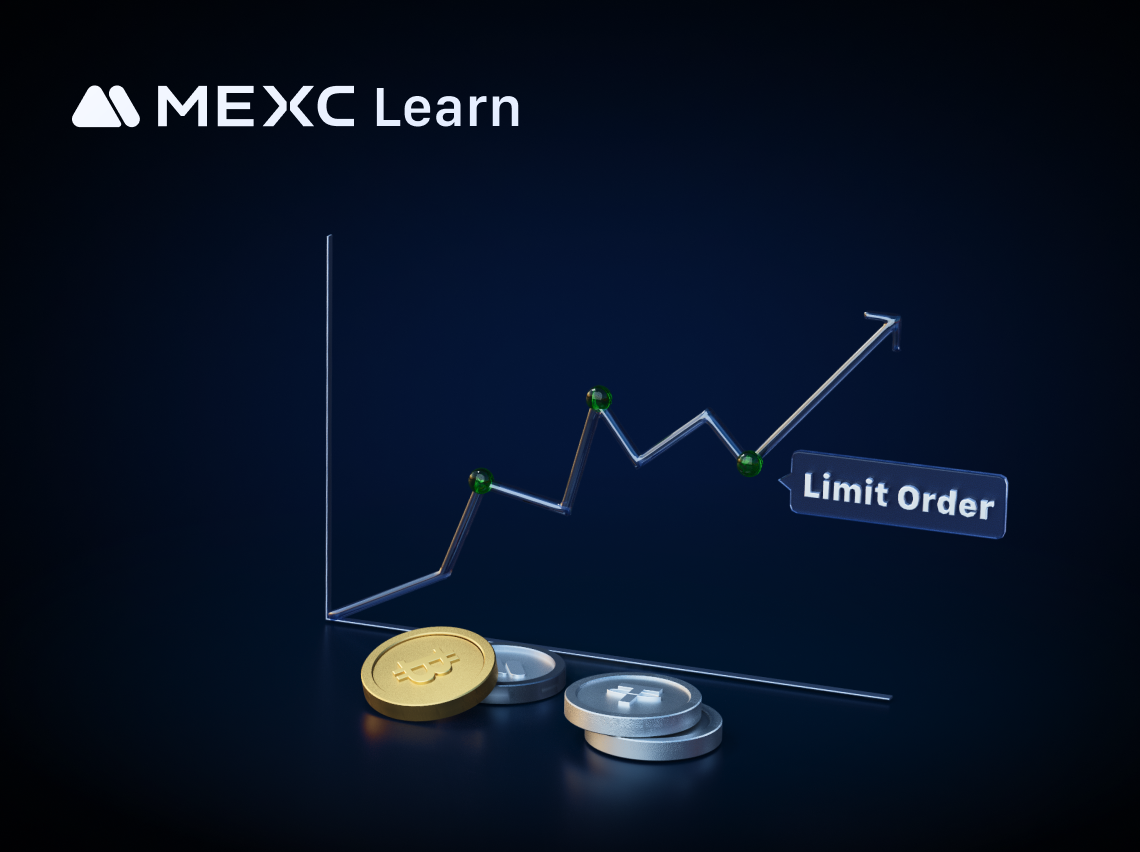
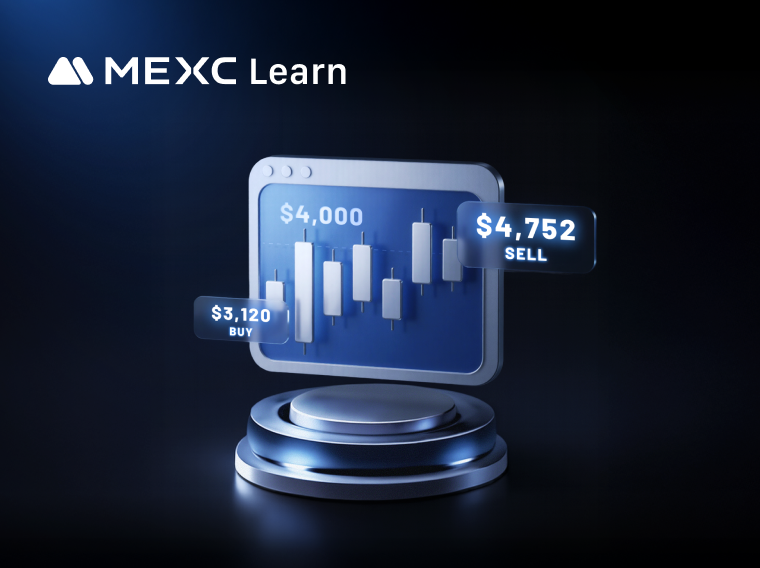
Cryptocurrency trading is typically divided into two categories: spot trading and futures trading. Spot trading is the act of buying or selling digital assets on the market, referring to the exchangeCryptocurrency trading is typically divided into two categories: spot trading and futures trading. Spot trading is the act of buying or selling digital assets on the market, referring to the exchange
Learn/Trading Guide/Spot/What is Spo...r Beginners

What is Spot Trading in Crypto? Complete MEXC Guide for Beginners

Dec 30, 2025MEXC
0m
Areon Network
AREA$0.01095-1.35%
Orderly Network
ORDER$0.0323-2.41%
Polytrade
TRADE$0.03151-0.44%

Cryptocurrency trading is typically divided into two categories: spot trading and futures trading.

Spot trading is the act of buying or selling digital assets on the market, referring to the exchange of two cryptocurrencies and the resultant possession of the assets. The price in spot trading is typically the real-time market price, allowing traders to execute trades at any time without a specified expiration date.

How to Conduct a Spot Trade on MEXC


This article will demonstrate spot trading on MEXC using MX as an example. Due to the simplicity of the trading interface on the app, which lacks the comprehensive information found on the web version, we will use the web version as an example for a detailed explanation. The app version will not be showcased.

1. Introduction to the Trading Interface


The MEXC platform's spot trading interface is divided into six parts: the order book area, the K-line chart area, the order panel, the trading pair selection area, the trades area, and the order status area.


1.1 Order Book Area (Market Depth Area)


The order book area displays the quantity and amount of buy and sell orders on the spot trading market for the selected cryptocurrency. You can also set it to display cumulative data for both sides. Additionally, you can filter the displayed orders based on the number of decimal places.


1.2 K-Line Chart Area


The K-line chart area primarily shows the price fluctuation data of the selected cryptocurrency in spot trading. You can choose different time periods for the display according to your usage habits and needs. For more settings related to K-lines, you can refer to "How to Customize K-Line Chart Colors and Technical Indicators."

You can also check the relevant information about the cryptocurrency through [Info] section to help you gain a more comprehensive understanding of the token you want to trade.


1.3 Order Panel


When you intend to place a spot order, all your operations will be carried out in the order panel. On MEXC, there are four types of spot orders: limit order, market order, stop-limit order, and One-Cancels-the-Other (OCO) order. You can learn more about different order modes in the article "Different Types of Spot Orders."


1.4 Trading Pair Selection Area


On the right side of the MEXC spot trading interface is the trading pair selection area. This area allows for two-level filtering, with the first level of filtering by Favorites, USDT, USDC, and other trading pair types, and the second level of filtering by zones (Main, Innovation, Assessment, etc.). It categorizes different trading cryptocurrencies on the MEXC platform. You can find the trading pairs you want by using the different level filters or by searching directly.

In addition, in this section's data display, you can choose to show the percentage change or switch to display by trading volume. For more information about the trading pair selection area, you can refer to "Introduction to MEXC Spot Trading Sections."


1.5 Trades Area


This area displays the latest trading data for the current spot trading cryptocurrency, including price, quantity, and time.


1.6 Order Status Area


At the bottom of the MEXC spot trading page, you will see your current and past trading records. You can view the corresponding trading records in the "Open Orders", "Order History", "Trade History", and "Open Positions" sections. To understand the different terminologies in this area, you may refer to "Concepts Explained in Spot Trading Records."


If you wish to adjust the layout, number display style, and other preferences for the entire spot trading page, you can learn how to do so in the article "How to Set User Preferences."

2. Placing Spot Trading Orders


We will demonstrate the spot trading order placement using a limit order as an example. If you want to learn more about other spot trading order types, you can read the article "Different Types of Spot Orders."

2.1 Website


Visit and log in to the official MEXC website. In the navigation bar on the homepage, hover the cursor over [Spot] and select [Spot] from the dropdown menu to navigate to the spot trading page.


On the spot trading page for MX, scroll down to the order panel. Here, we will place a limit order to sell MX as an example.

Let's say we want to sell 20 MX tokens at a price of 3 USDT each. In the sell section, enter 3 USDT as the selling price in the "Price" field and 20 MX as the selling quantity in the "Amount" field. The system will then automatically calculate the total amount and display it in the "Total" field. Click [Sell MX] to complete the limit order to sell MX.

After placing the order, it will appear in the "Open Orders" section. The limit order will only conclude when the trade is triggered and executed or when you manually cancel it.


2.2 App


Open and log in to the official MEXC App, tap on the [MX/USDT] trading pair at the bottom right, or search for MX in the top search bar to navigate to the K-line page for MX trading. Tap on [Sell] to redirect to the order placement page.

On the order placement page, tap on [Sell] and select [Limit] as the order type. Enter 3 USDT as the selling price and 20 MX as the selling quantity. The system will then automatically calculate the total amount for you. Tap [Sell MX] to complete the limit order to sell MX.

After placing the order, it will appear in the "Open Orders". The limit order will only conclude when the trade is triggered and executed or when you manually cancel it.


3. Closing Remarks


We welcome you to start your first spot trade on the MEXC platform. In addition to spot trading, MEXC also provides futures trading and various trading events. You can click on the relevant recommended articles for the specific trading methods and participation details.

Disclaimer: This information does not provide advice on investment, taxation, legal, financial, accounting, or any other related services, nor does it constitute advice to purchase, sell, or hold any assets. MEXC Learn provides information for reference purposes only and does not constitute investment advice. Please ensure you fully understand the risks involved and exercise caution when investing. The platform is not responsible for users' investment decisions.


Market Opportunity
Areon Network Logo
Areon Network Price(AREA)
$0.01095
$0.01095$0.01095
+4.98%
USD
Areon Network (AREA) Live Price Chart

Popular Articles

View More
A Must-Read Before Trading Futures: Key Terms Explained

A Must-Read Before Trading Futures: Key Terms Explained

For many investors, futures trading is a field full of opportunities but also significant challenges. Compared to spot trading, it involves more specialized terminology and complex mechanisms. When

Cosmos (ATOM) Price Prediction July 2026: One Analyst Called $1 the Worst Case, ATOM Is Almost There

Cosmos (ATOM) Price Prediction July 2026: One Analyst Called $1 the Worst Case, ATOM Is Almost There

Cosmos (ATOM) just touched its lowest price in months, and traders want to know what happens next. The token sits around $1.58 today, a level that would have looked impossible back when ATOM traded

Advanced U.S. Stock Trading Guide: 8 Powerful Skills for Smarter Market Decisions.

Advanced U.S. Stock Trading Guide: 8 Powerful Skills for Smarter Market Decisions.

Advanced U.S. Stock Trading Guide: 8 Core Skills for Smarter Market Decisions Most beginner stock trading guides stop at the mechanics: what a stock is, how to place an order, when the U.S. market

How to Read US Stock Sector Rotation: How to Judge Changes in Market Mainlines from Industry Rises and Falls

How to Read US Stock Sector Rotation: How to Judge Changes in Market Mainlines from Industry Rises and Falls

When one part of the stock market starts winning while another starts losing ground, that is not random noise. It is capital moving with a purpose. Sector rotation is the process of money flowing out

Hot Crypto Updates

View More
Oil Prices Surge Overnight Are Bank of England and ECB Rate Hike Odds Soaring?

Oil Prices Surge Overnight Are Bank of England and ECB Rate Hike Odds Soaring?

Overview Oil prices surged overnight and pushed investors to reconsider whether the Bank of England and the European Central Bank may need to tighten monetary policy again. The issue is not that a

Bitcoin July 2026 Outlook: What Traders Are Watching

Bitcoin July 2026 Outlook: What Traders Are Watching

Overview Bitcoin entered July 2026 in a cautious market environment. The price is hovering near the $60,000 area, while traders are watching whether ETF outflows continue, whether the Federal Reserve

Pump.fun Launches Bounty Feature as Memecoin Stunts Enter the Real World

Pump.fun Launches Bounty Feature as Memecoin Stunts Enter the Real World

Overview Pump.fun, the Solana-based memecoin launchpad, launched a bounty marketplace called GO on June 4, 2026, built around the slogan "Pay ANYONE to do ANYTHING." Within hours the platform racked

Crypto Volatility This Week: How U.S. CPI, PPI, and Fed Policy Are Reshaping Digital Asset Order Books

Crypto Volatility This Week: How U.S. CPI, PPI, and Fed Policy Are Reshaping Digital Asset Order Books

A dense run of U.S. macroeconomic releases led by June CPI and PPI inflation data and framed by a hawkish, inflation-first Federal Reserve under Chair Kevin Warsh is driving market makers to widen

Trending News

View More
Revolut’s USDT Delisting: $184B Stablecoin Cut Off Across Europe

Revolut’s USDT Delisting: $184B Stablecoin Cut Off Across Europe

Revolut is cutting off access to USDT for customers across the European Economic Area and Switzerland, with the full delisting scheduled to wrap up by August 31

Pi Retests Critical Demand Zone: Levels to Watch

Pi Retests Critical Demand Zone: Levels to Watch

PI has fallen into a key demand area after an extended decline, and buyers are now attempting to slow the selloff and spur a rebound. The broader trend of PI, the

Iranian State Media Claims US Shelling Near Bushehr Nuclear Plant; Details Unconfirmed

Iranian State Media Claims US Shelling Near Bushehr Nuclear Plant; Details Unconfirmed

BitcoinWorld Iranian State Media Claims US Shelling Near Bushehr Nuclear Plant; Details Unconfirmed Iranian state media outlets reported on [Date] that the area

'Giant tarp' at White House startles reporters amid Trump update to iconic columns

'Giant tarp' at White House startles reporters amid Trump update to iconic columns

A "giant tarp" printed to resemble the columns it now covers has been quietly draped over an area of the White House one Trump appointee wants to redo so it will

Related Articles

View More
MEXC Loans is Now Live!

MEXC Loans is Now Live!

MEXC Loans is a cryptocurrency lending solution introduced by MEXC. MEXC Loans allows users to collateralize one of their cryptocurrency assets to borrow another that they can then use for spot tradin

What Is RealStocks?

What Is RealStocks?

1. What Is RealStocks?RealStocks is an innovative cross-market trading product launched by MEXC in collaboration with regulated brokers for global crypto users. It allows eligible users to directly pu

What Is MEXC Spot Grid Trading?

What Is MEXC Spot Grid Trading?

1. What Is MEXC Spot Grid Trading?MEXC Spot grid trading is an automated trading strategy tool that places buy and sell orders automatically at fixed intervals within a user-defined price range. The c

What Is MEXC Hold and Earn?

What Is MEXC Hold and Earn?

1. What Is MEXC Hold and Earn?MEXC Hold and Earn allows users to generate returns on designated tokens held in their Spot account. The product offers full flexibility: users can trade, withdraw, or us

Sign Up on MEXC
Sign Up & Receive Up to 10,000 USDT Bonus
Kickoff Fest! Win Up to $500K!
Kickoff Fest! Win Up to $500K!Kickoff Fest! Win Up to $500K!
4 rewards! 1st trade bonus & 0-fee limit orders!