MEXC App Download Guide for iPhone
Register a New Apple ID
If you cannot find MEXC in the App Store, please check if your Apple ID is set to a supported region.
1. Visit Apple's official website at www.apple.com.
2. Scroll down to the bottom of the page.  Switch country to New Zealand →
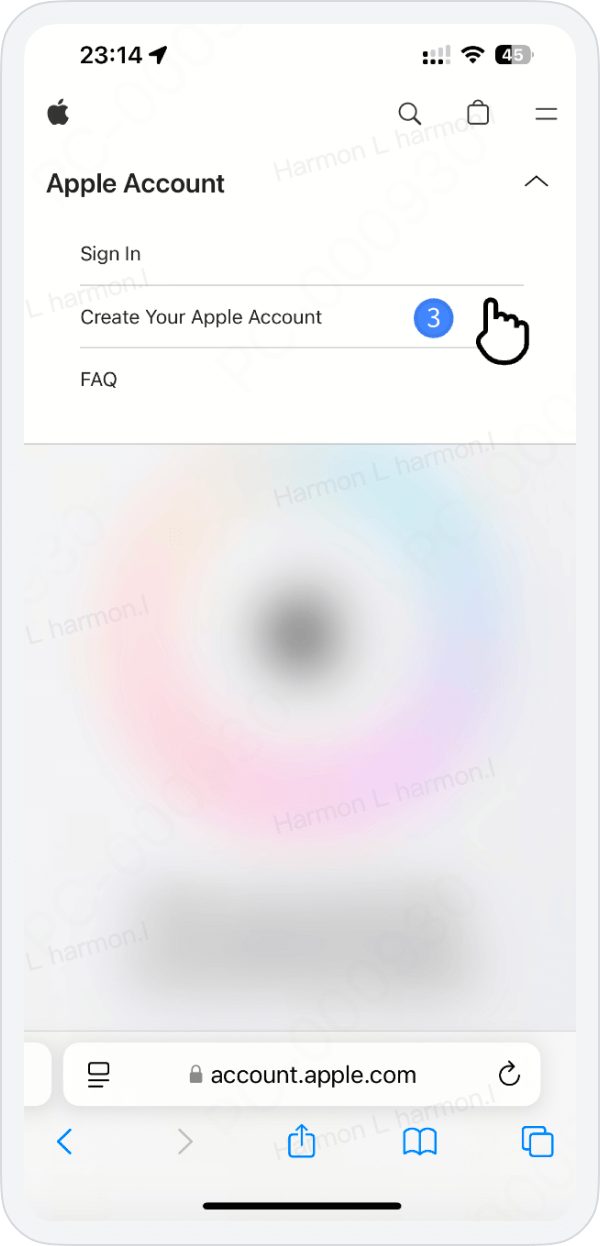
  Click Account → Manage Your Apple ID →
  At the top of the new page, click Create Your Apple ID
Switch country to New Zealand → Click Account → Manage Your Apple ID → At the top of the new page, click Create Your Apple ID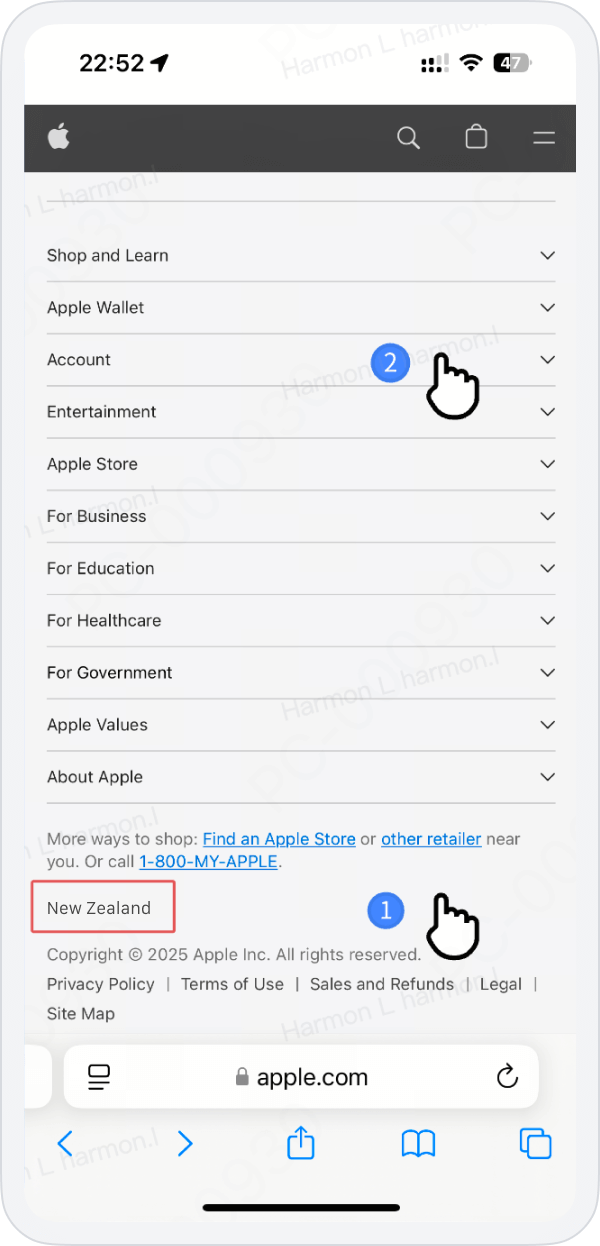
3. Please select New Zealand, enter a new email that has not been registered for an Apple ID, and provide a phone number that can receive verification codes.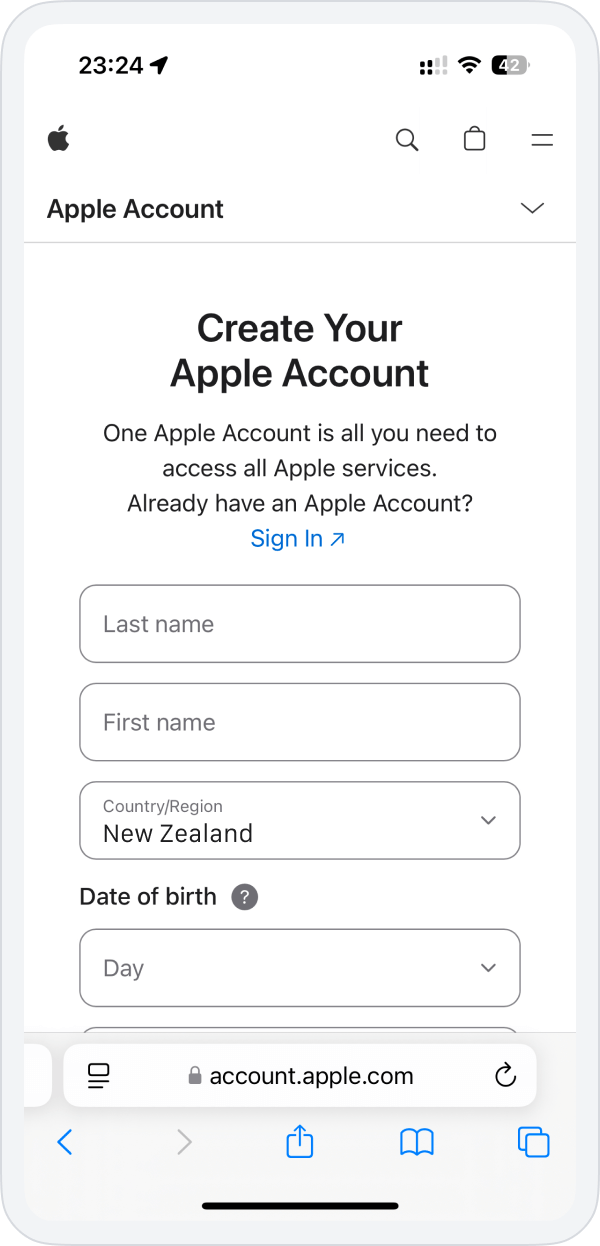
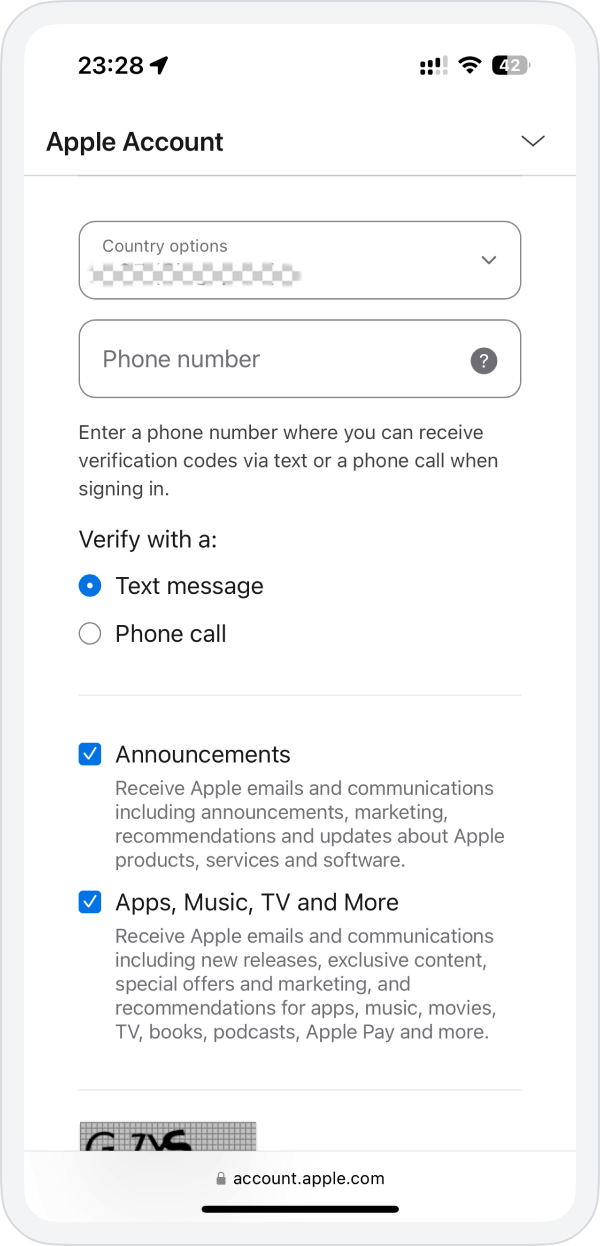
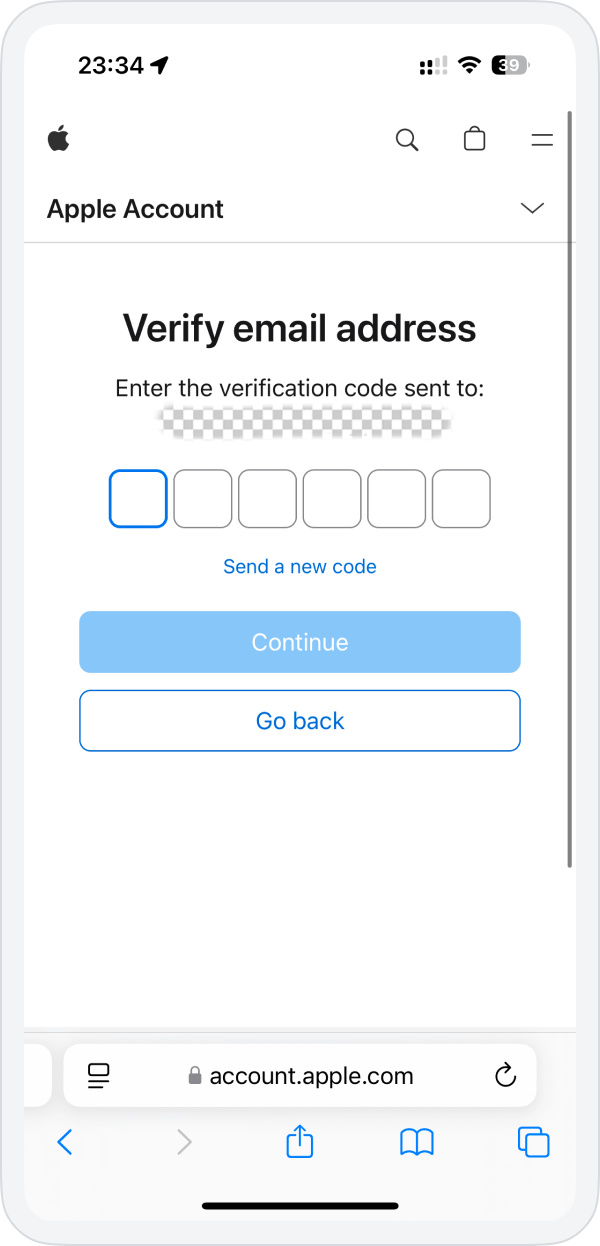
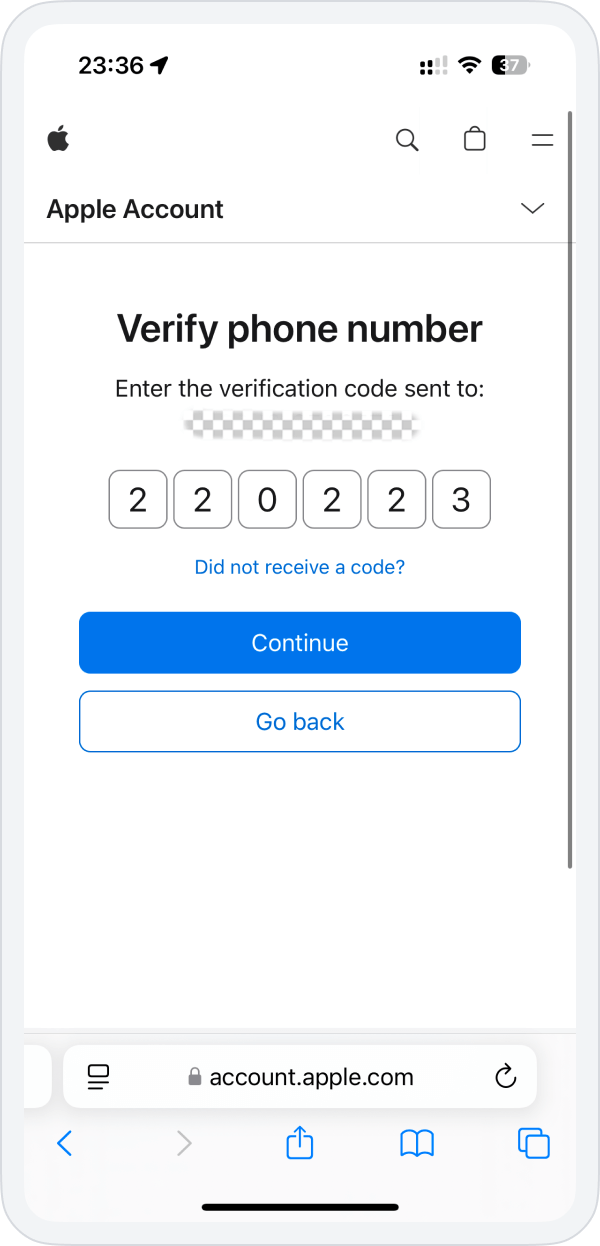
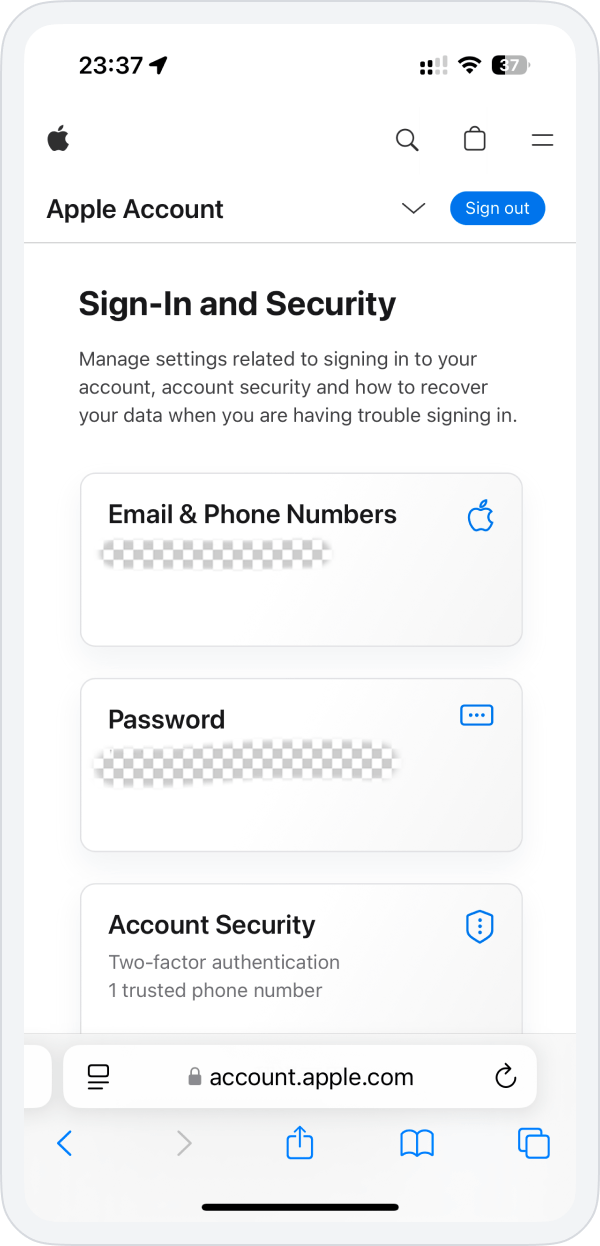
4. Enter the verification codes sent to your email and phone to complete the Apple ID registration.